Build a CLI to Transcribe and Summarize Meeting Recordings in ~40 Lines of Node.js
- Published on
- Authors
- Name
- Binh Bui
- @bvbinh


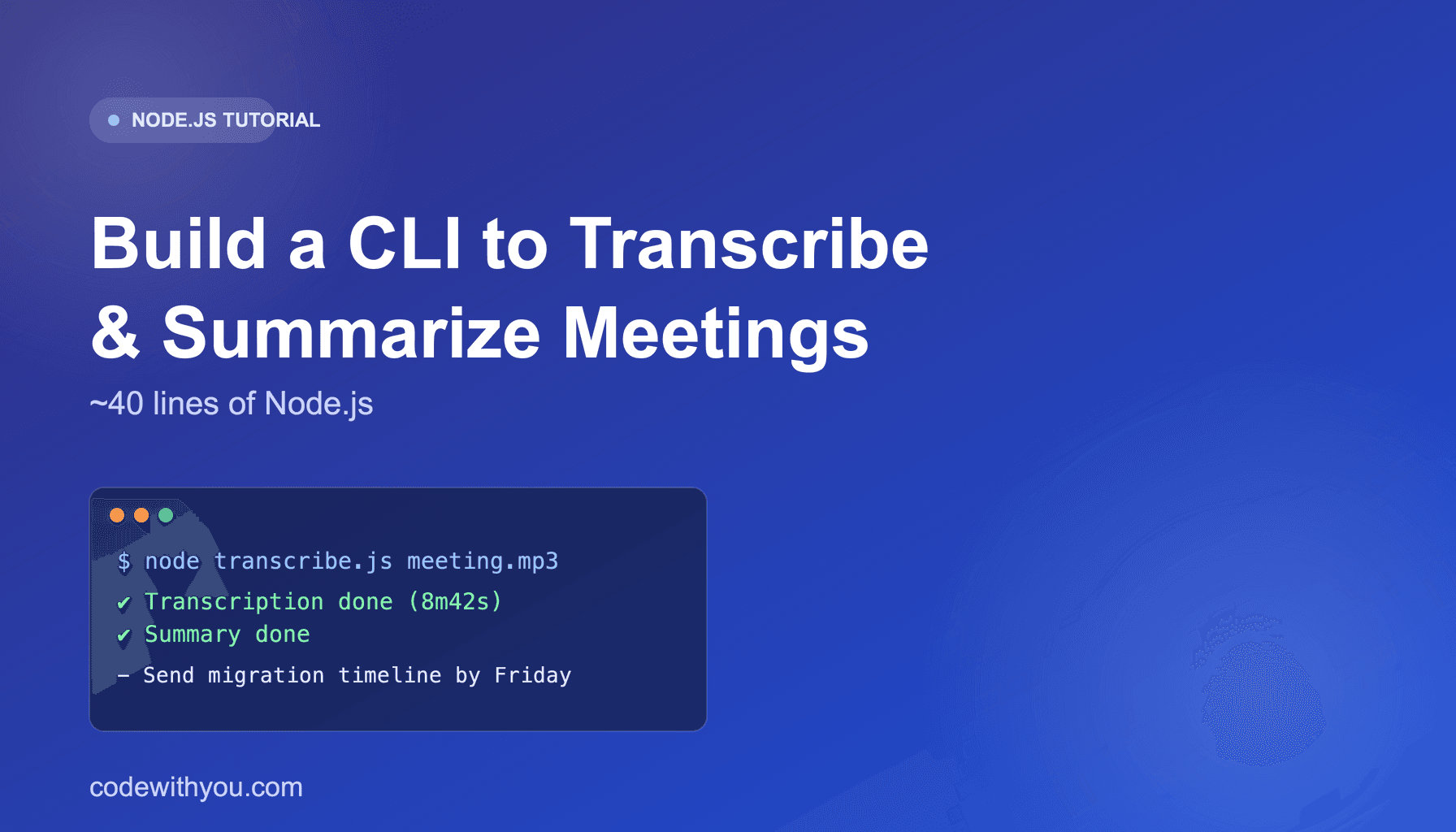
I record most of my client calls, and I got tired of re-listening to them just to write down who said they'd do what. This post walks through a small CLI I put together that takes an audio file and spits out a speaker-labeled transcript plus an action-item summary — two API calls, no local ML dependencies.
It uses the Amaniva transcription API under the hood. Grab a free API key from your account settings after registering — the free tier covers 10 jobs/month, plenty to follow along.
What we're building
node transcribe.js meeting.mp3
...and a minute or two later:
✔ Transcription done (12 speakers segments, 8m42s)
✔ Summary done

Summary:
Q3 roadmap review — team agreed to prioritize the billing migration before the
new dashboard work.

Action items:
- Binh to send the migration timeline by Friday
- Design to review the dashboard mockups next week
Step 1: Submit the audio file
Transcription is async — for anything longer than a minute or two, you don't want to hold a connection open, so the API hands back a task_id immediately and processes the file in the background.
// transcribe.js
import fs from "node:fs"
import { setTimeout as sleep } from "node:timers/promises"

const API_BASE = "https://transcribe-api.amaniva.com/v1"
const API_KEY = process.env.AMANIVA_API_KEY

async function submitTranscription(filePath) {
  const form = new FormData()
  form.append("file", new Blob([fs.readFileSync(filePath)]), filePath)
  form.append("enable_diarization", "true")

  const res = await fetch(`${API_BASE}/transcribe`, {
    method: "POST",
    headers: { "X-API-Key": API_KEY },
    body: form,
  })

  if (!res.ok) throw new Error(`Submit failed: ${res.status} ${await res.text()}`)
  const { task_id } = await res.json()
  return task_id
}
Step 2: Poll until it's done
async function waitForResult(taskId) {
  while (true) {
    const res = await fetch(`${API_BASE}/transcribe/status/${taskId}`, {
      headers: { "X-API-Key": API_KEY },
    })
    const data = await res.json()

    if (data.status === "SUCCESS") return data.result
    if (data.status === "FAILURE") throw new Error(data.error ?? "Transcription failed")

    await sleep(3000) // poll every 3s
  }
}
result.speakers gives you each turn with a speaker label and start_time/end_time — enough to build a proper transcript view if you want one, but for this CLI we just need the full text.
Step 3: Summarize the transcript
The summarization endpoint is synchronous for normal-length text, and takes a style — concise, bullets, or podcast:
async function summarize(text) {
  const res = await fetch(`${API_BASE}/summarize`, {
    method: "POST",
    headers: { "X-API-Key": API_KEY, "Content-Type": "application/json" },
    body: JSON.stringify({ text, style: "concise", target_language: "en" }),
  })

  if (!res.ok) throw new Error(`Summarize failed: ${res.status} ${await res.text()}`)
  return res.json() // { summary, key_points, action_items }
}
For background on the choice of a hosted service, read the follow-up on replacing a self-hosted Whisper pipeline.
Wiring it together
async function main() {
  const filePath = process.argv[2]
  if (!filePath) {
    console.error("Usage: node transcribe.js <audio-file>")
    process.exit(1)
  }

  console.log("Uploading and transcribing...")
  const taskId = await submitTranscription(filePath)
  const transcript = await waitForResult(taskId)
  console.log(`✔ Transcription done (${transcript.speakers?.length ?? 0} speaker segments, ${Math.round(transcript.duration_sec)}s)`)

  console.log("Summarizing...")
  const { summary, action_items } = await summarize(transcript.text)
  console.log("✔ Summary done\n")

  console.log("Summary:")
  console.log(summary)
  console.log("\nAction items:")
  action_items.forEach((item) => console.log(`- ${item}`))
}

main().catch((err) => {
  console.error(err.message)
  process.exit(1)
})
That's it — under 40 lines doing the actual work, no Whisper model to download, no GPU to rent, no diarization library to wire up separately.
Where to take it from here
A few obvious next steps if you want to build on this:
- Pipe
main()'s output straight into Slack/Discord via a webhook instead of the console. - Swap the file upload for
/v1/transcribe/urlif your recordings already live in S3 or a Google Drive link. - Run it from a cron job against a folder your video-conferencing tool auto-saves recordings to.
To distribute your script as a command, follow the guide to publishing an npx command to npm.
If you want to try this yourself, amaniva.com has a free tier with no credit card required — enough to run this exact script against a real meeting recording.
Happy coding!